Archive Section
HUDs
Requirements
Basic requirements
- Made by yourself. Means: not just copied from other Q2 pak. Modifying others’ paks is allowed if permission is granted by the original author, but don’t abuse this. Also notice that you must make something completely new for the pak, not only change the colour of your old pak or shit like that.
Full sets
- At least the basic
.pcximages modified. Means: ammo, weapon, numbers, conback, inventory and the other core HUD pictures should be included. The idea is to provide a real full set, not just one changed picture.
Conbacks
- No player- or clan names/tags. Means: everyone can add their own or clan name to the conback if they want to. Some relevant text is ok.
- No adult material.
Conchars
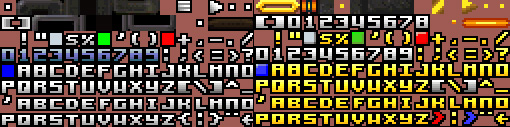
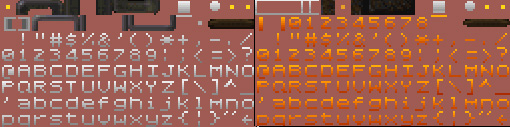
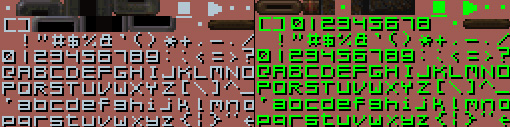
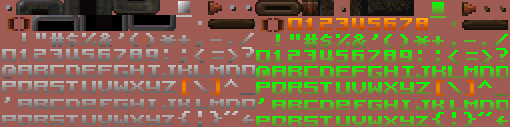
- Whole new set. Means: you must modify all the letters and numbers. Menu borders and such may be left alone, but it’s recommended that you modify them too. The point is to offer something new, right? :-)
Crosshairs
- They must be done with good taste. Means: don’t exaggerate with the crosshairs, just make them nice and clean. When editing, keep in mind that someone is really going to use this scope.
How to
Basic info about .pak files
First of all, dealing with paks is easy. The harder part is modifying the content of the pak. PakScape is a practical tool for opening and editing pak files. There are different folders in paks, and you can find the same folders in your quake2/action. The only difference is that paks work like archives that Quake2 can read. It’s easier to move a single file, the pak, than 20-100 different files in different folders.
Getting a pak in use
After downloading the pak to your quake2/action, rename it. You will have more than one pak in your quake2/action, so name the one you wish to use as pakX.pak. X is the number of the pak, which should be bigger than the numbers of the other paks. Newer clients support numbers up to 99.
Modifying a pak
Open the pak with PakScape. Export the files you wish to edit or seek help from. After you have done editing or creating them, import them back into the pak. If you are creating a new pak file, remember to save it in .pak format. It’s easy to choose the best bits from different paks into one folder, then make a pak of it that you like the most.
Full sets
"Full sets gathers icons, conbacks, conchars and crosshairs that are done with a similar theme and meant to be used as together. Little bundles of eye candy, for those wanting a nice entity."
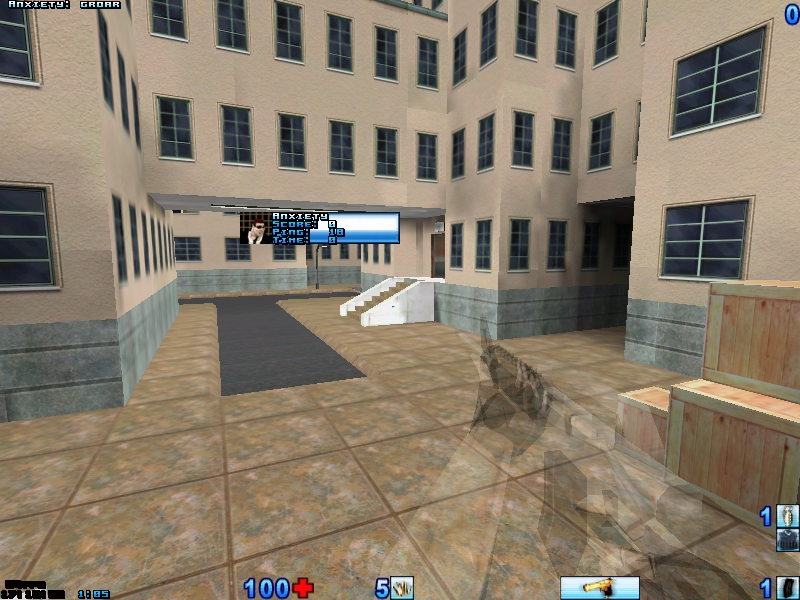
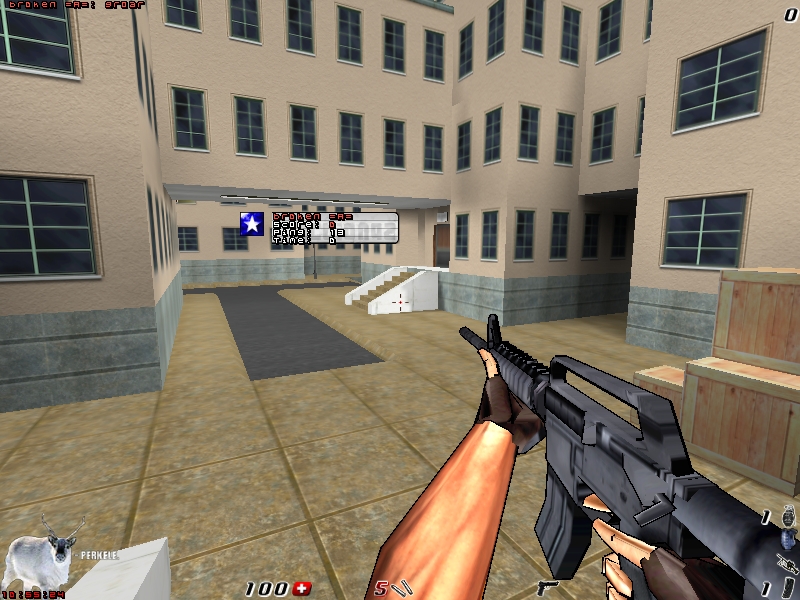
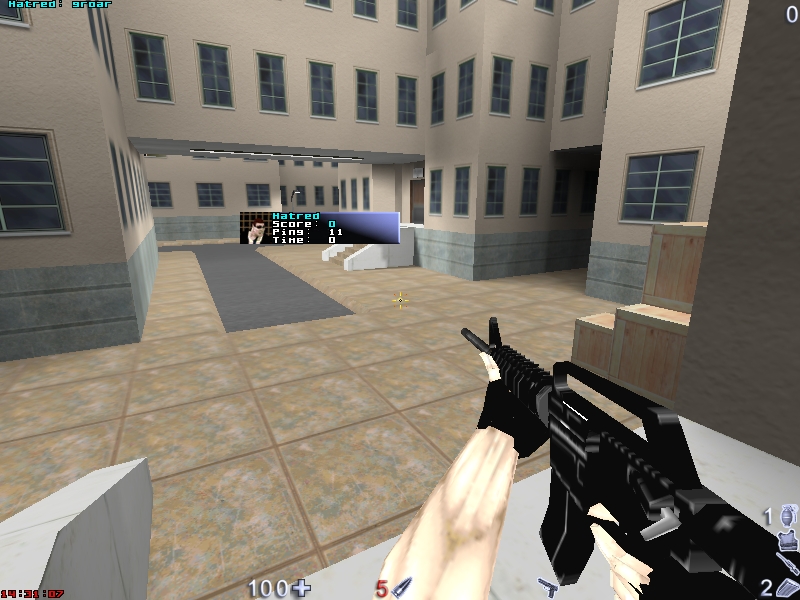
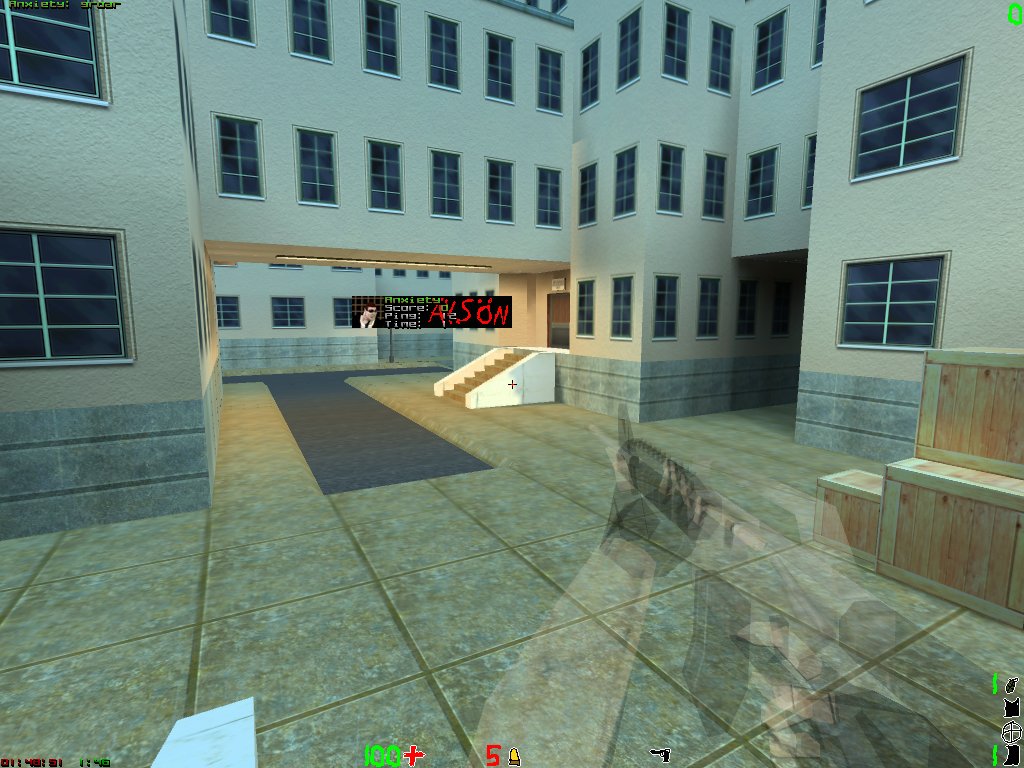
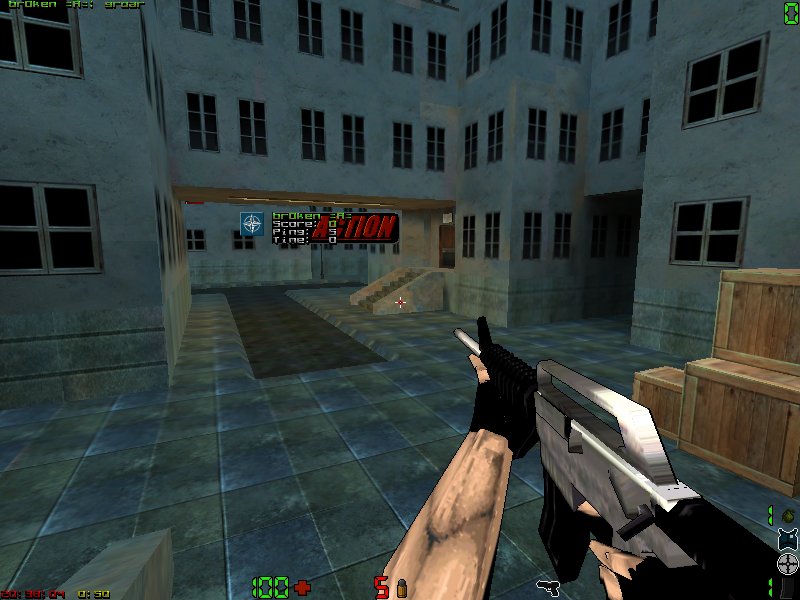
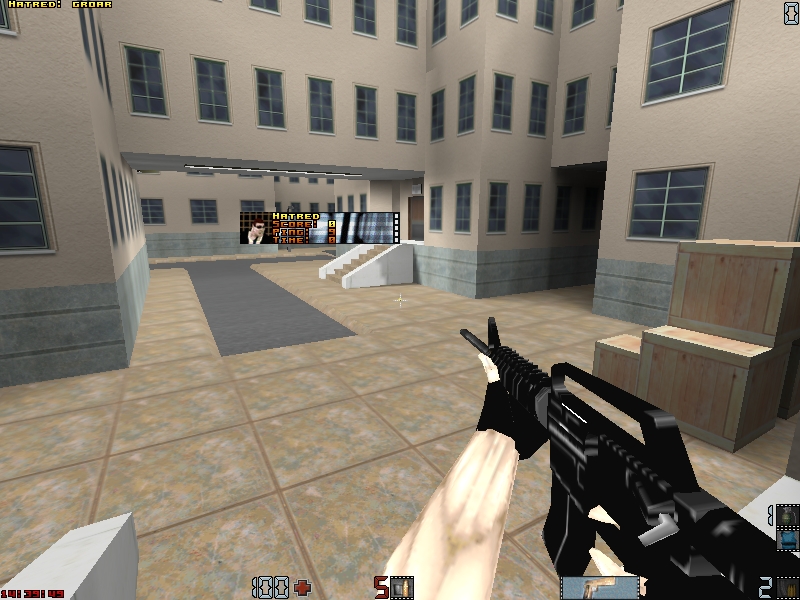
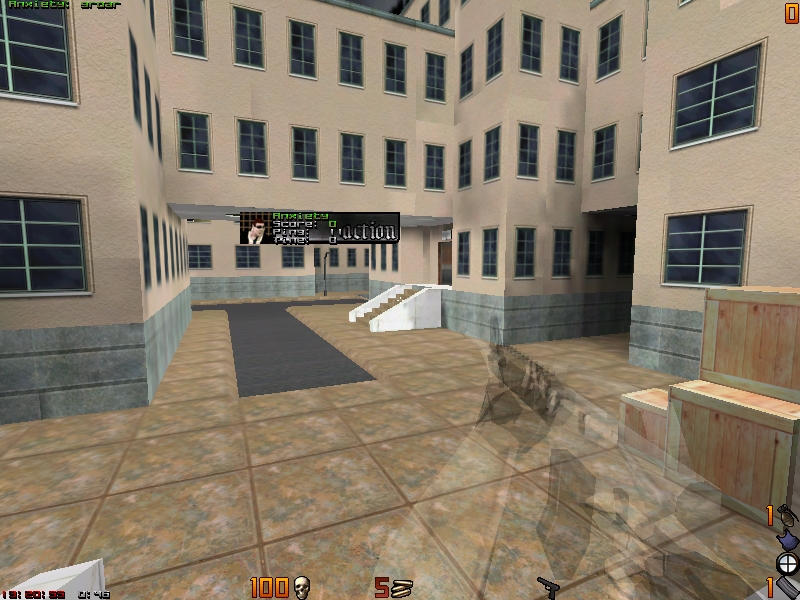
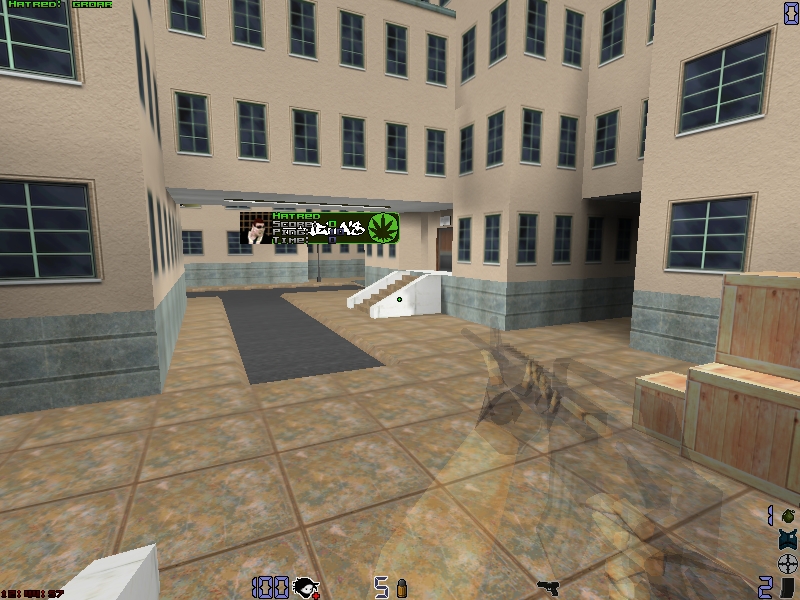
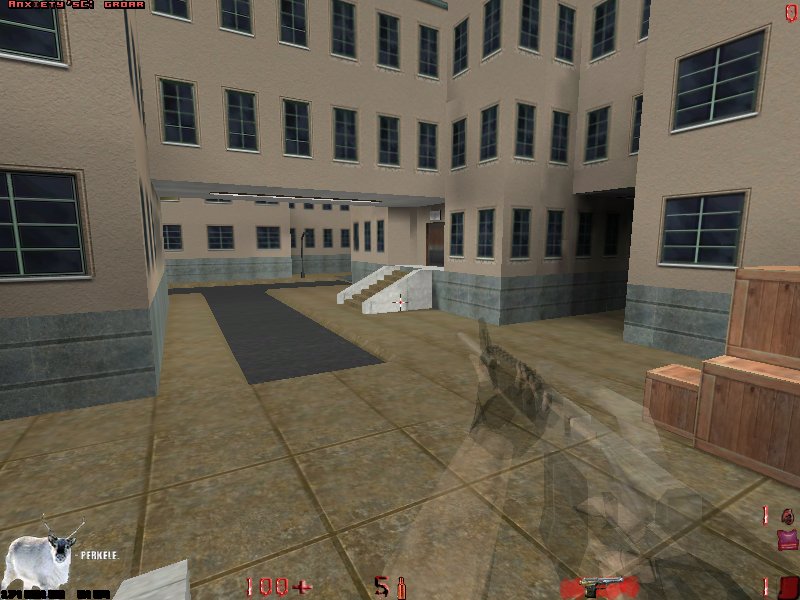
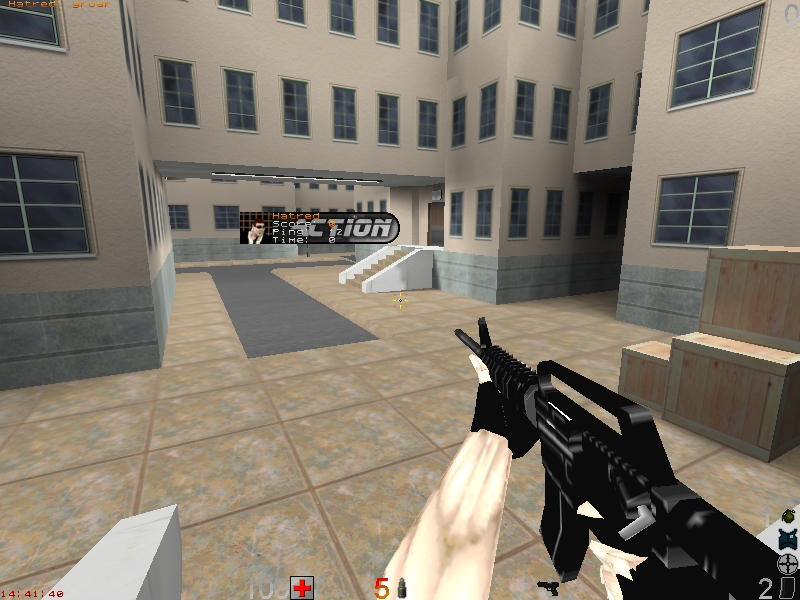
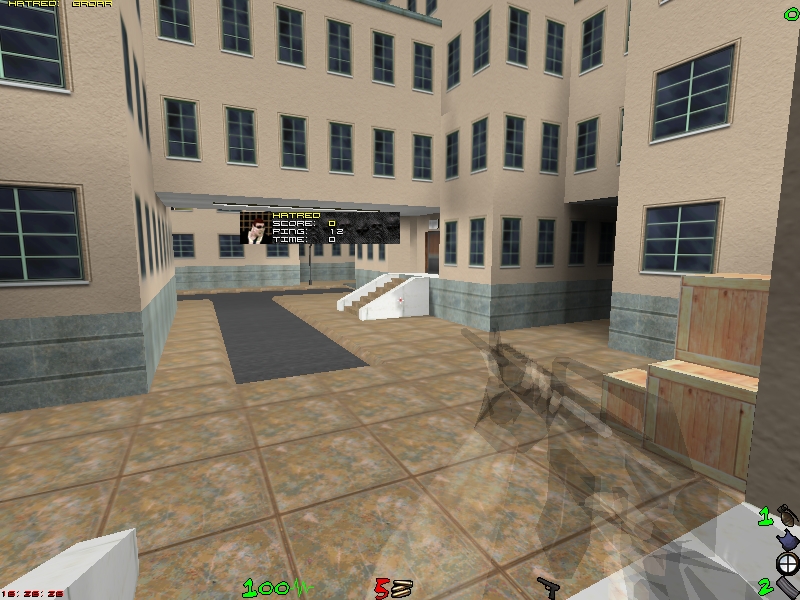
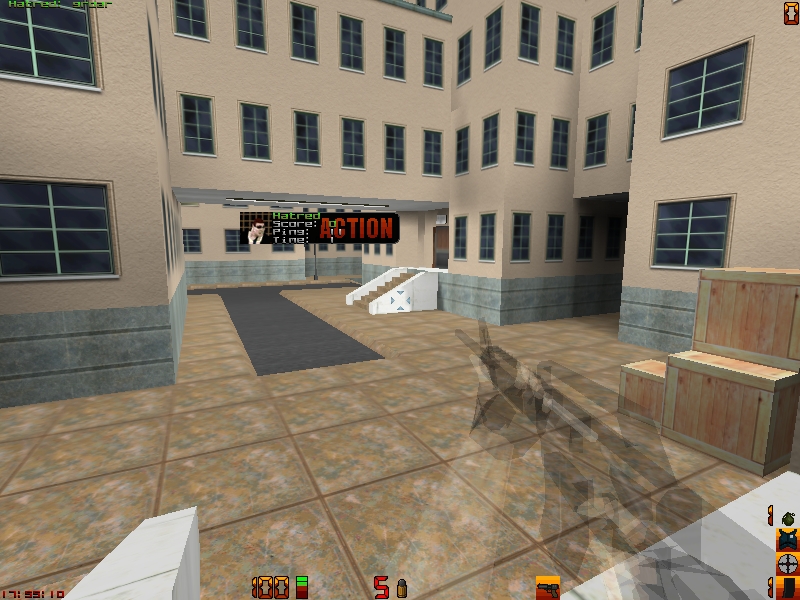
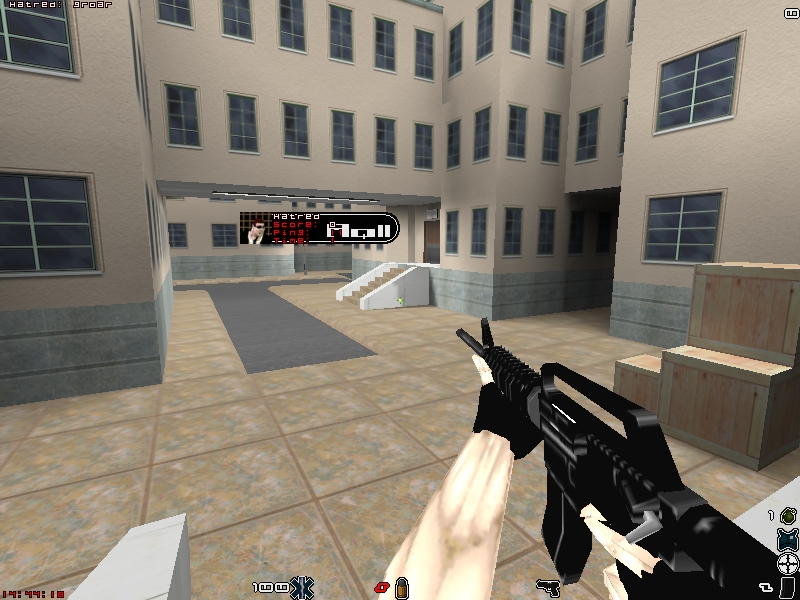
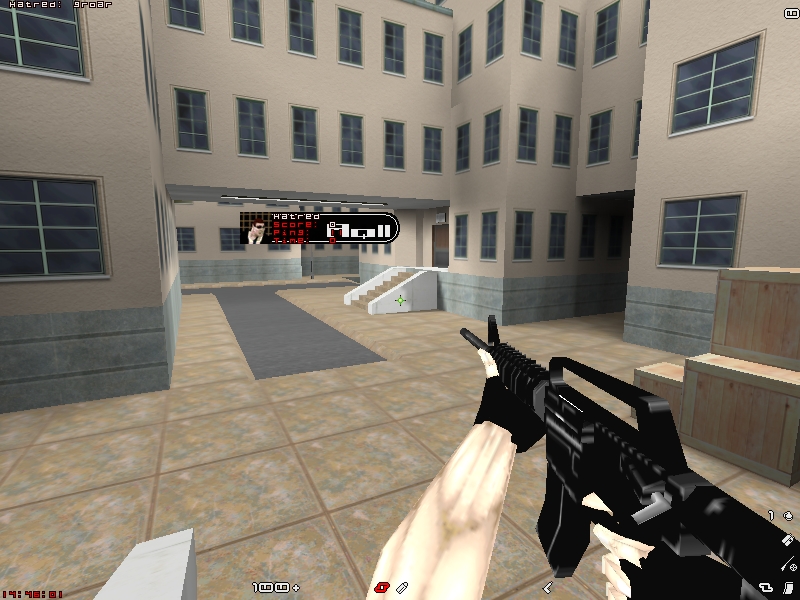
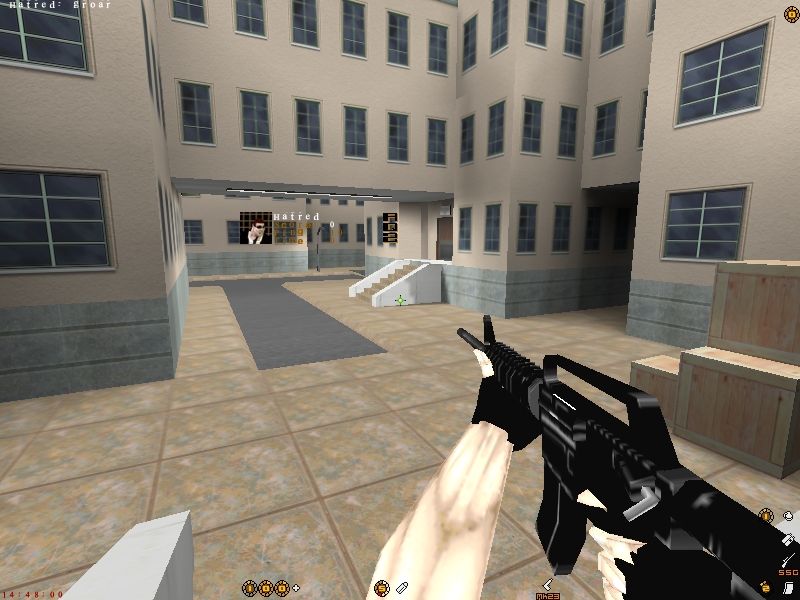
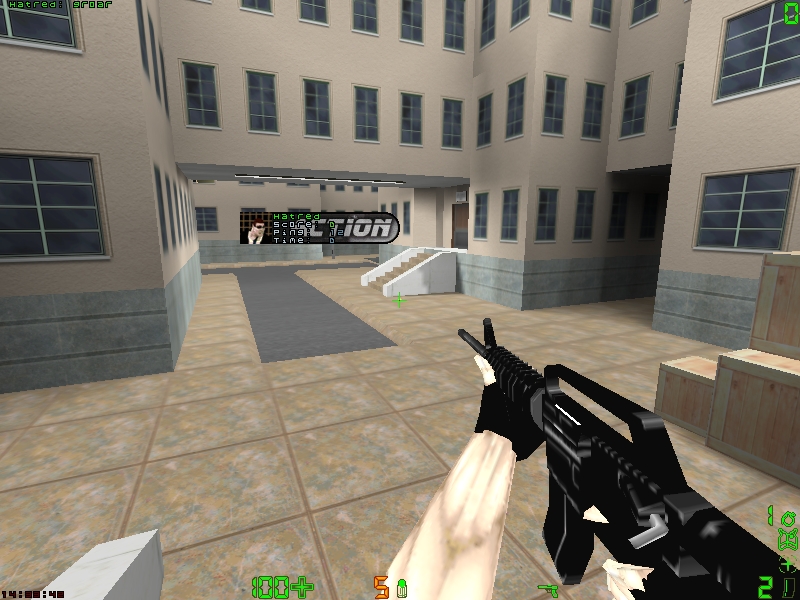
Poropak #1
· 8-bit
"Yah, this is my first pak I made. Can't really remember/find out the exact date, but who cares. I edited the icons from some other .pak, but I made them look totally different than the original ones."
"Yah, this is my first pak I made. Can't really remember/find out the exact date, but who cares. I edited the icons from some other .pak, but I made them look totally different than the original ones."
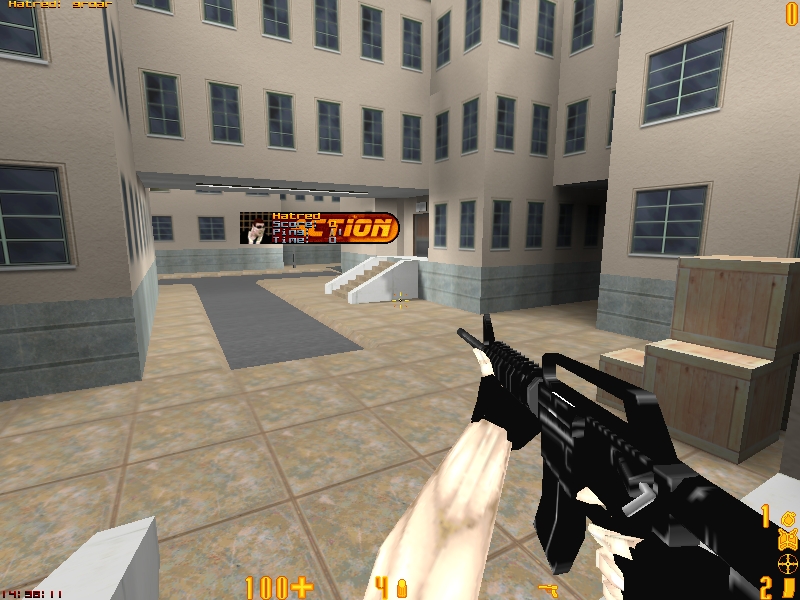
Poropak #2
· 8-bit
"Here it is.. The .pak I have used over 2 years. It's very much like Poropak #1, except it has a different tone of color and some icons are modified. Crosshairs are also improved."
"Here it is.. The .pak I have used over 2 years. It's very much like Poropak #1, except it has a different tone of color and some icons are modified. Crosshairs are also improved."
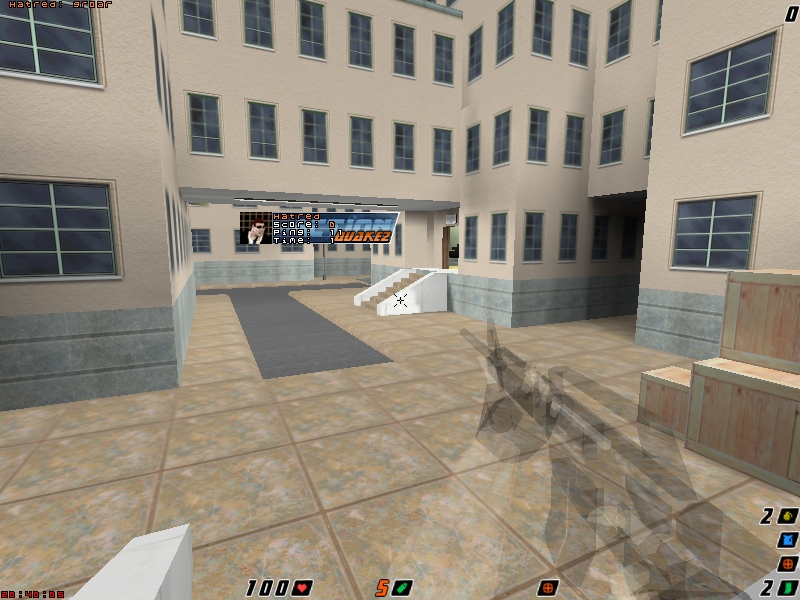
Poropak #3
· 8 and 32-bit
"AprQ2 1.17+ recommended with gl_gammapics '0' and gl_scale '1'. I think this one will work best with 800*600 resolution, which I use myself too."
"AprQ2 1.17+ recommended with gl_gammapics '0' and gl_scale '1'. I think this one will work best with 800*600 resolution, which I use myself too."
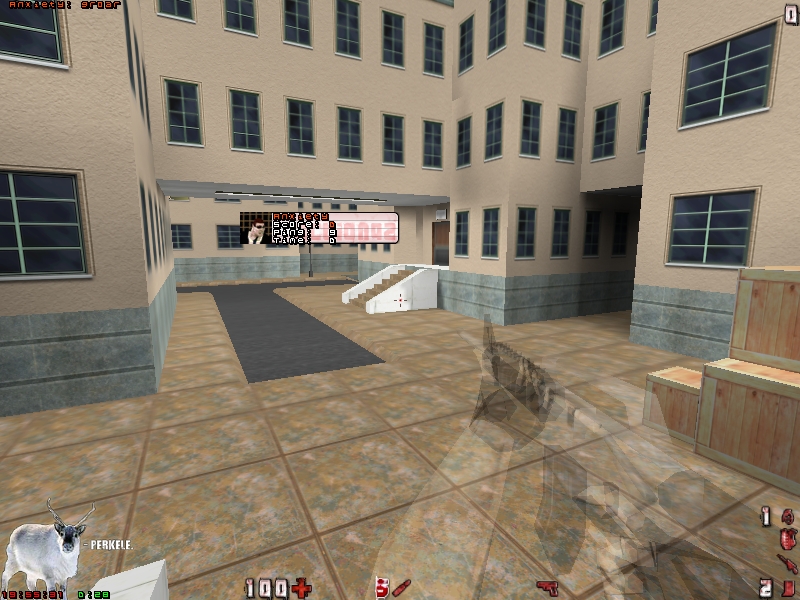
Poropak #4
· 32-bit
"I had to do _something_. So here it is. I recommend using AprQ2 1.17 or newer with gl_gammapics '0'."
"I had to do _something_. So here it is. I recommend using AprQ2 1.17 or newer with gl_gammapics '0'."
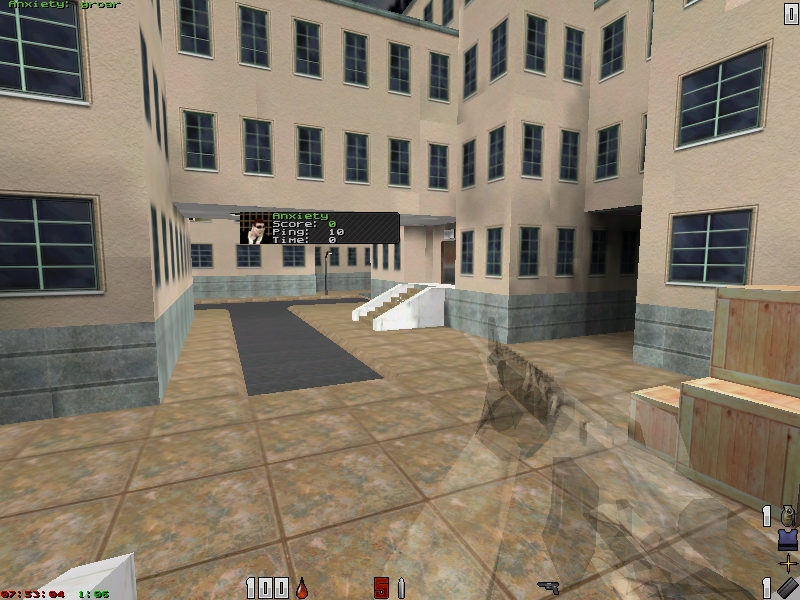
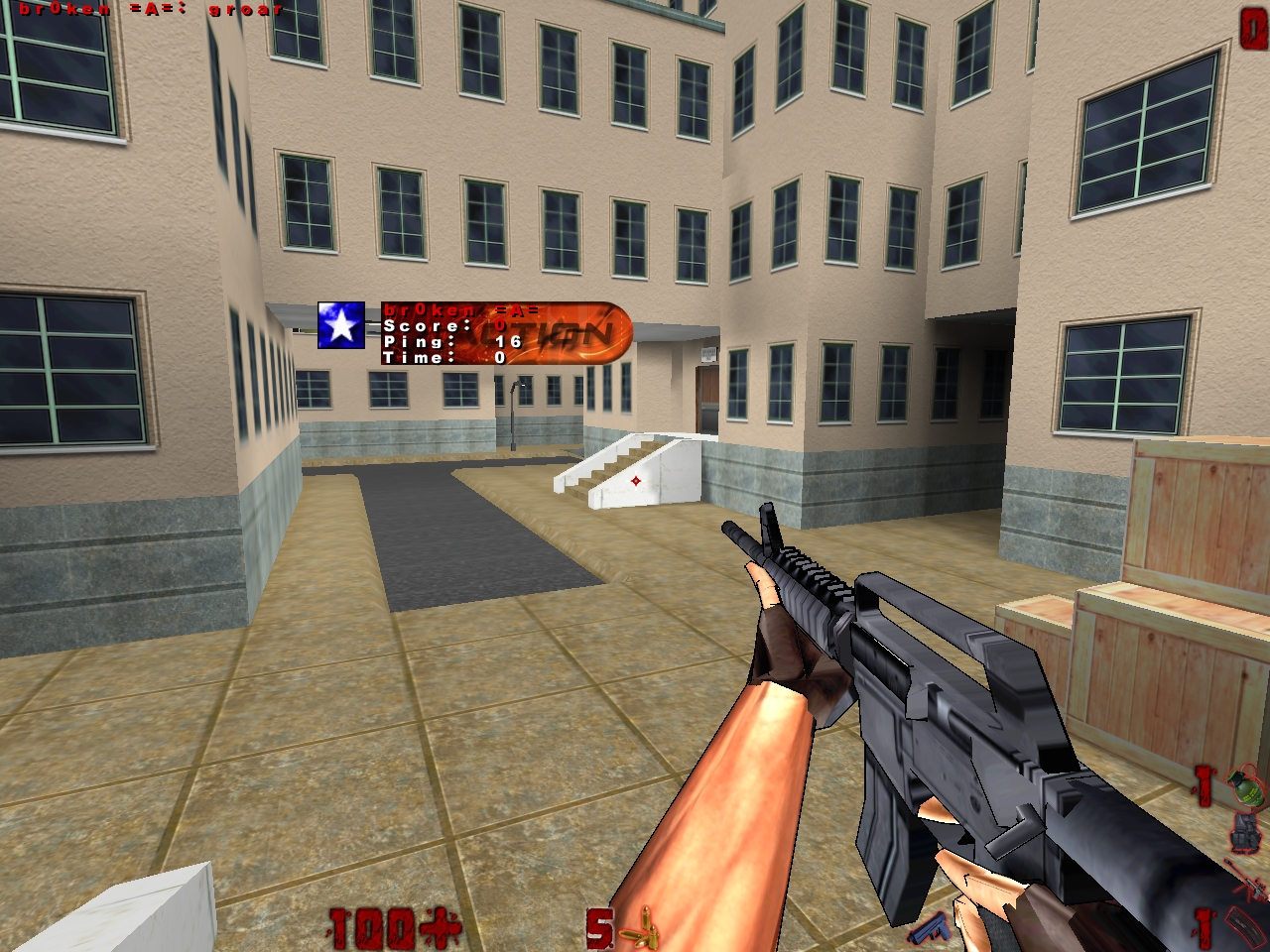
Red Velvet Pak (hi-res)
· 32-bit
Recommendations: AprQ2, gl_scale 2, gl_replacepcx 1, gl_gammapics 0 and at least 1280x1024 resolution
Recommendations: AprQ2, gl_scale 2, gl_replacepcx 1, gl_gammapics 0 and at least 1280x1024 resolution
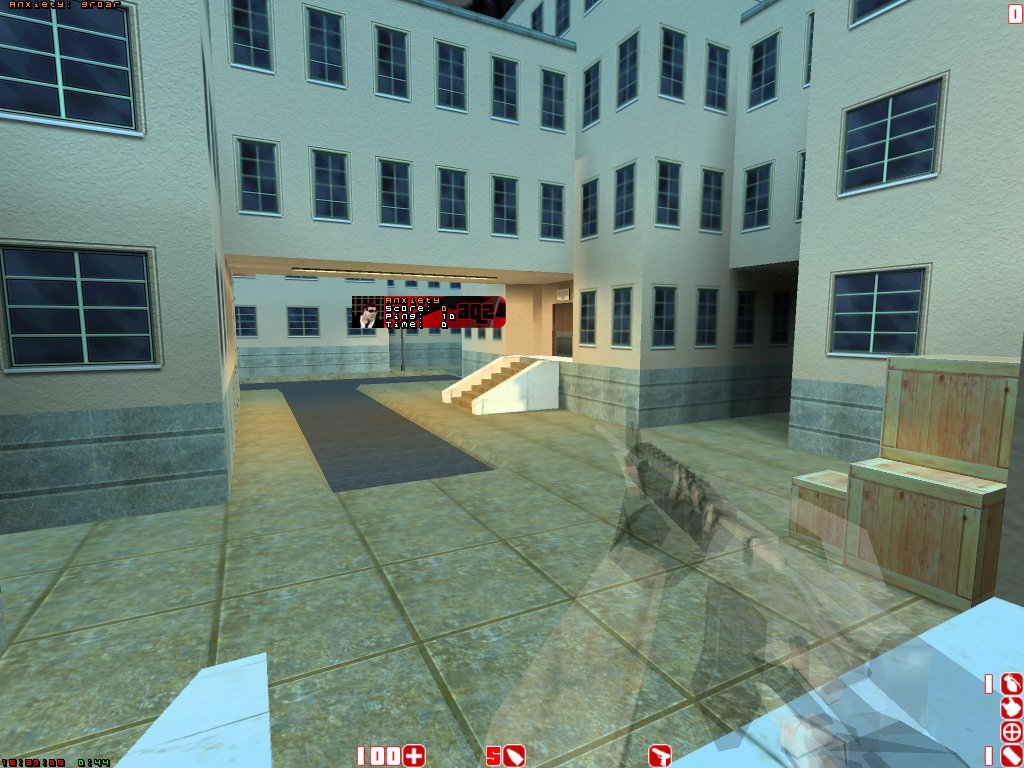
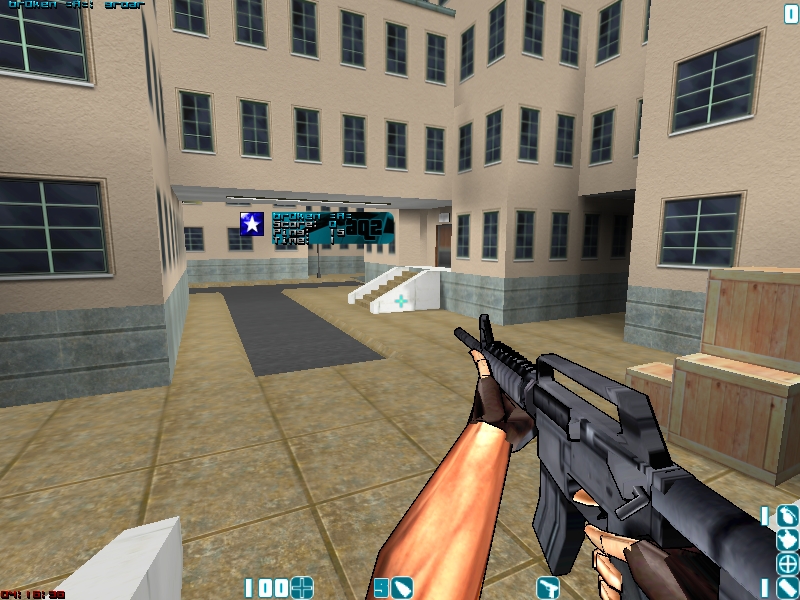
S3c!0r's
· 32-bit
"AprQ2 recommended, gl_replacepcx "1" / gl_gammapics "1" / vid_gamma_pic "0.4" More in README.txt"
"AprQ2 recommended, gl_replacepcx "1" / gl_gammapics "1" / vid_gamma_pic "0.4" More in README.txt"
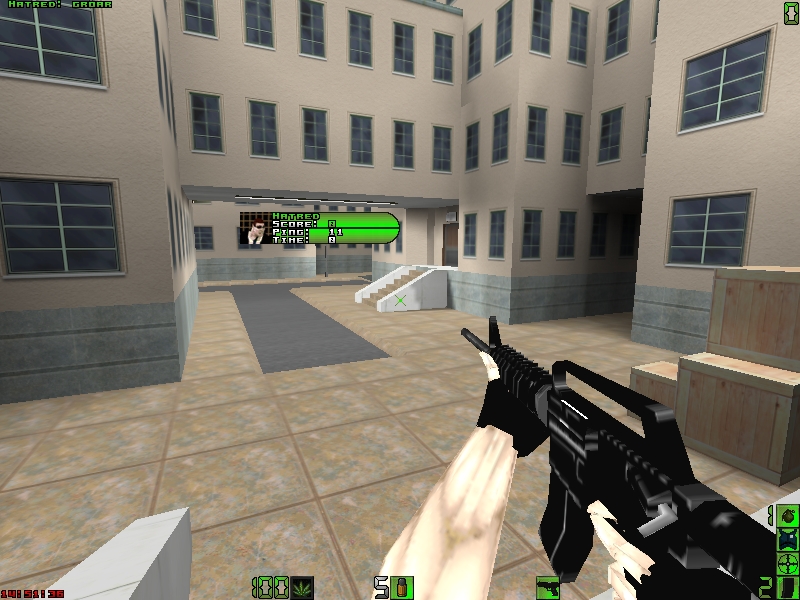
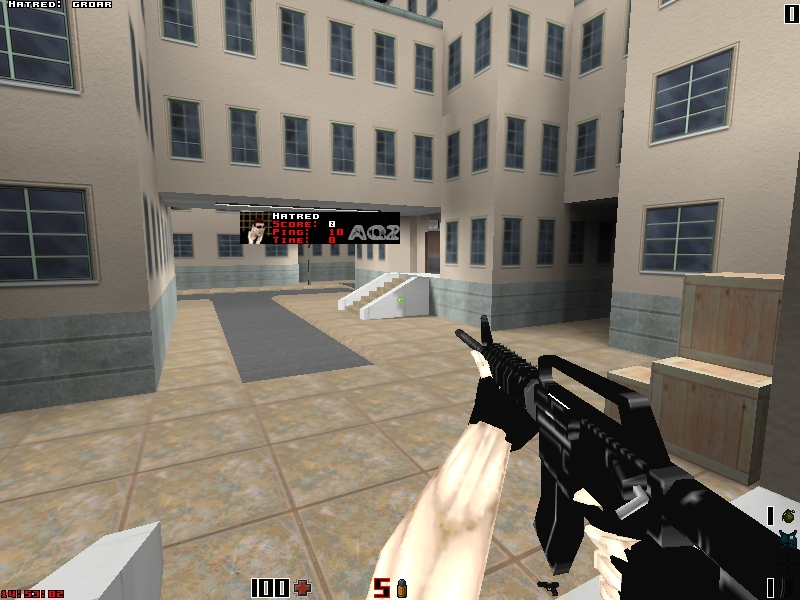
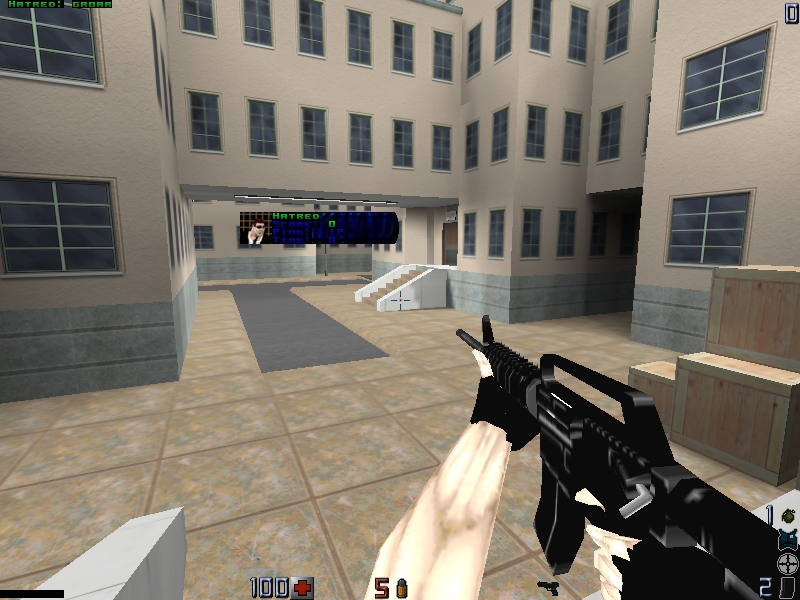
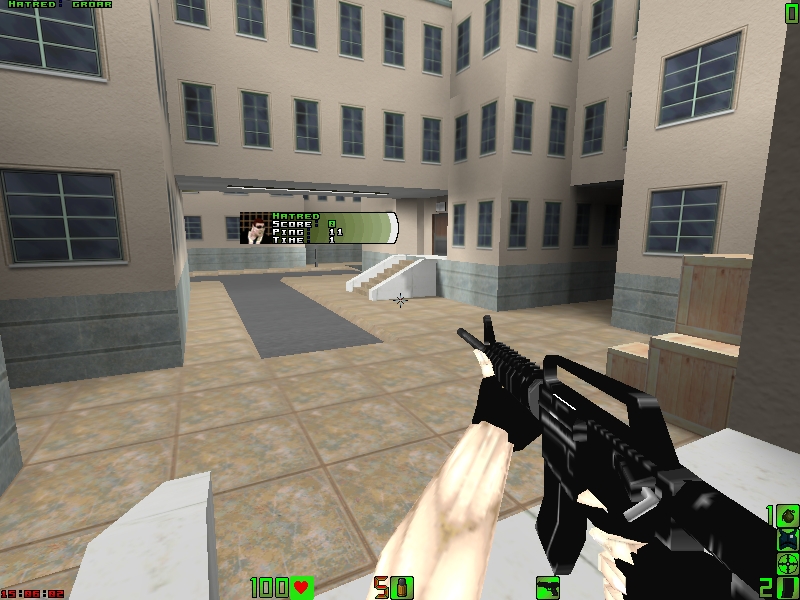
Conbacks
"You want something nice to look at, replacing that old AQ2 console backround? Get some funky stylish art-replacements to cover that pixlated boredom."
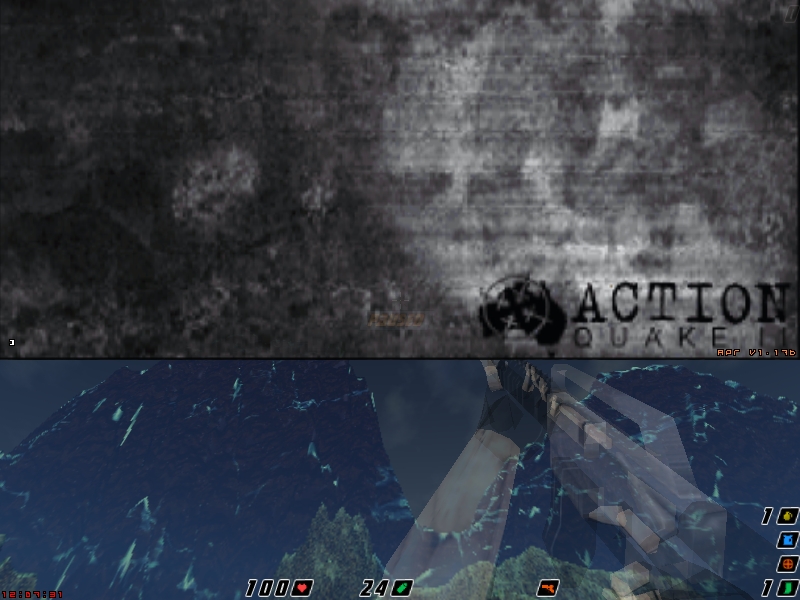
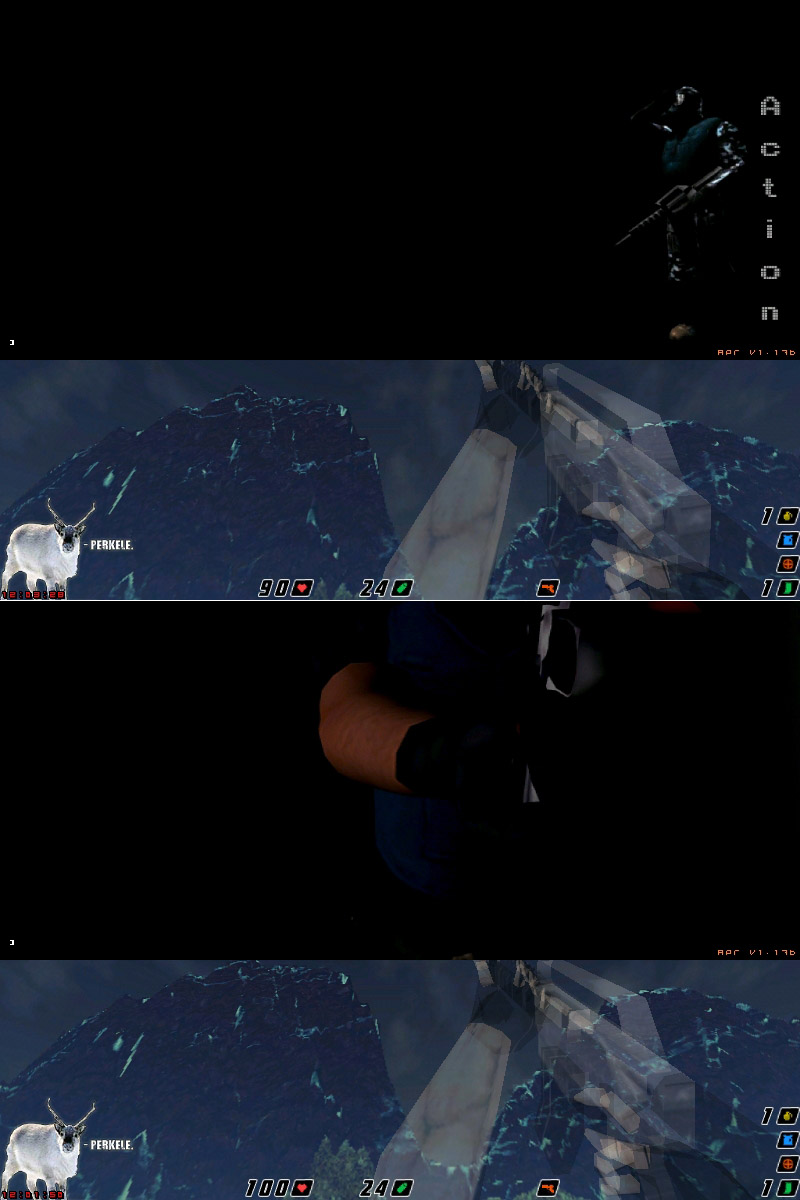
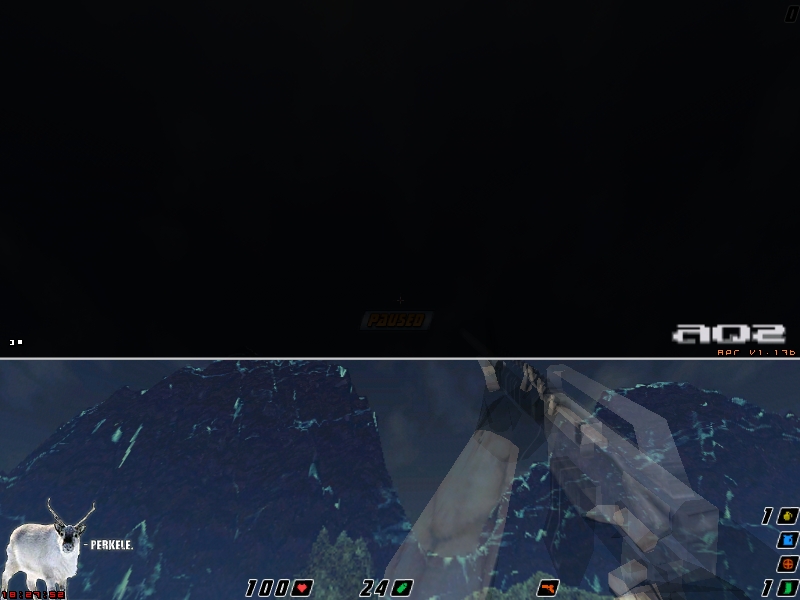
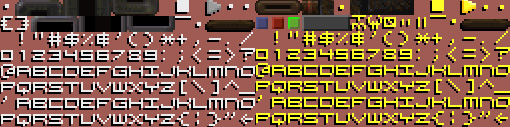
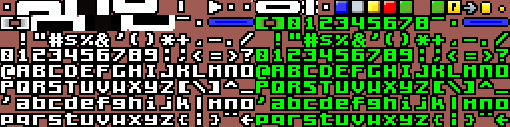
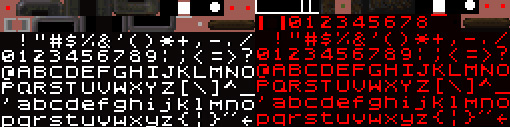
Conchars
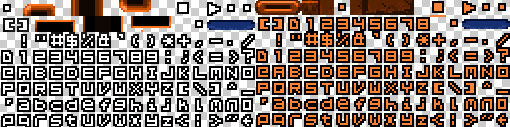
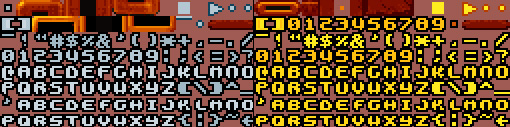
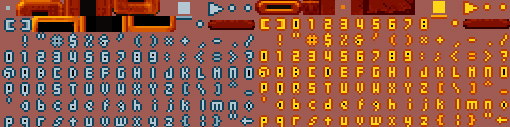
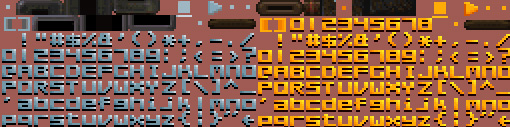
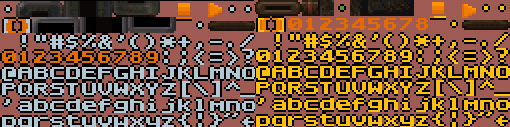
"To make it a little more enjoyable for your eyes and easier to read, here are font-replacements for your AQ2."
Crosshairs
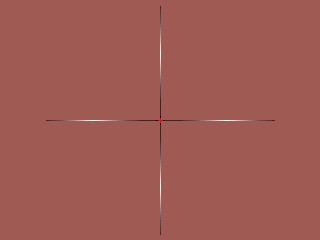
"Can't see your crosshair against some surfaces? Your scope is too small/big/gay? If you have problems on this area, get some kick-ass replacements from here, dOg!"


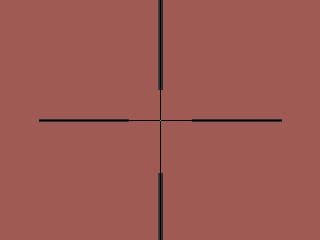
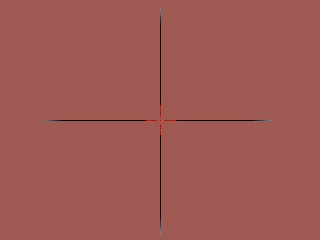
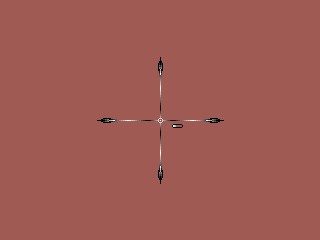
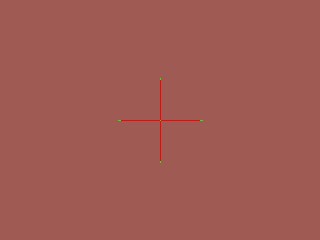
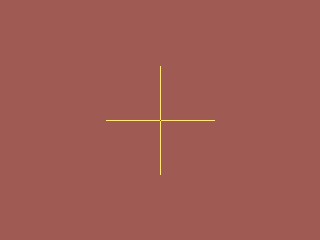
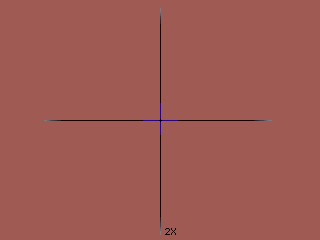
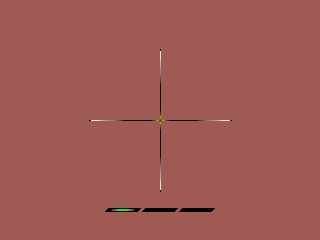
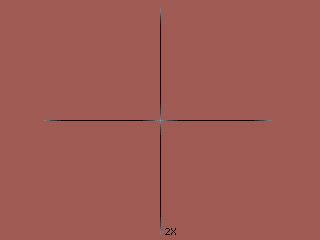
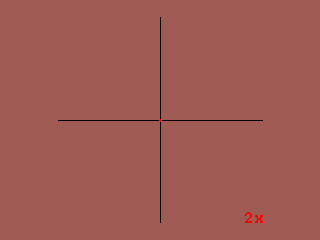
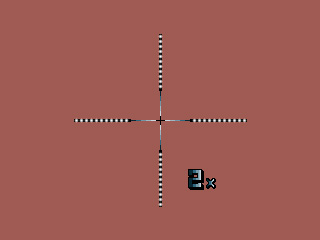
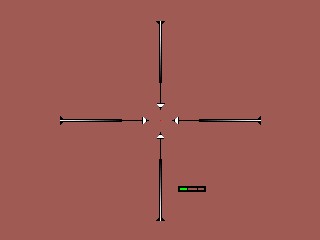
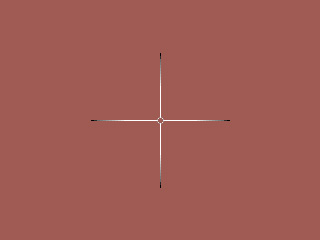
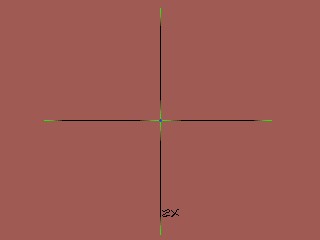
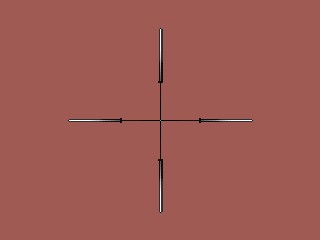
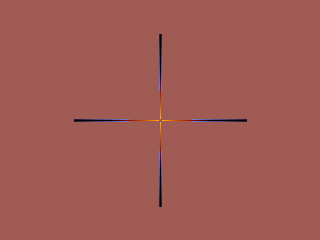
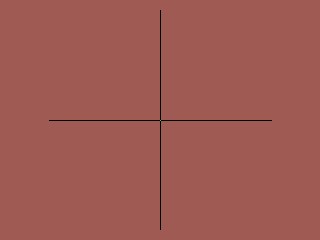
Outerblack Scope
Normal 8-bit sniper scope crosshair from the original HUD crosshairs list.
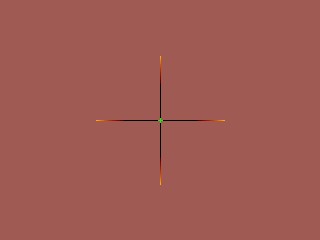
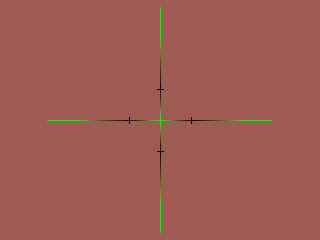
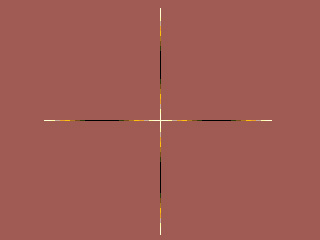
Outerorange Scope
Normal 8-bit sniper scope crosshair from the original HUD crosshairs list.
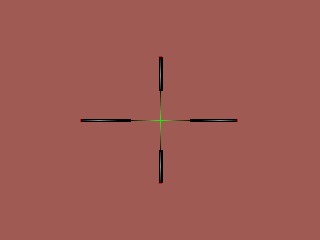
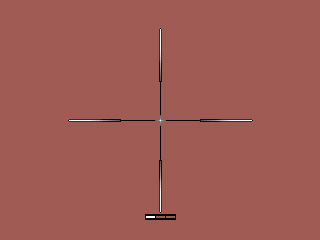
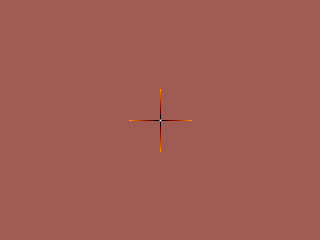
Tha^General^'s Scope
Normal 8-bit sniper scope crosshair from the original HUD crosshairs list.
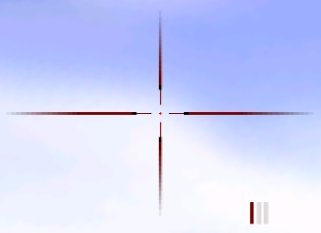
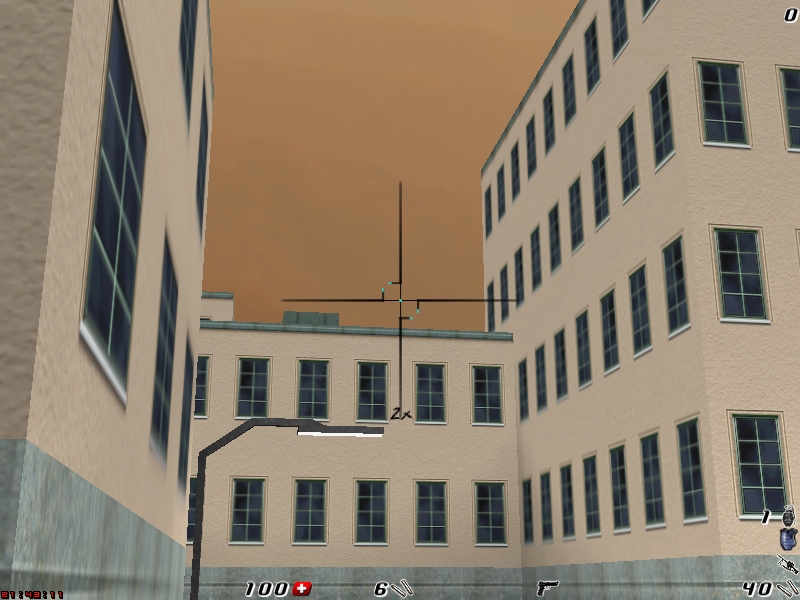
No preview
No preview
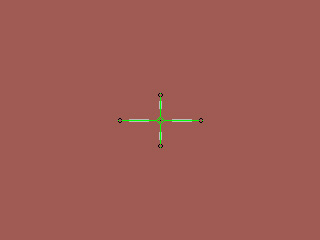
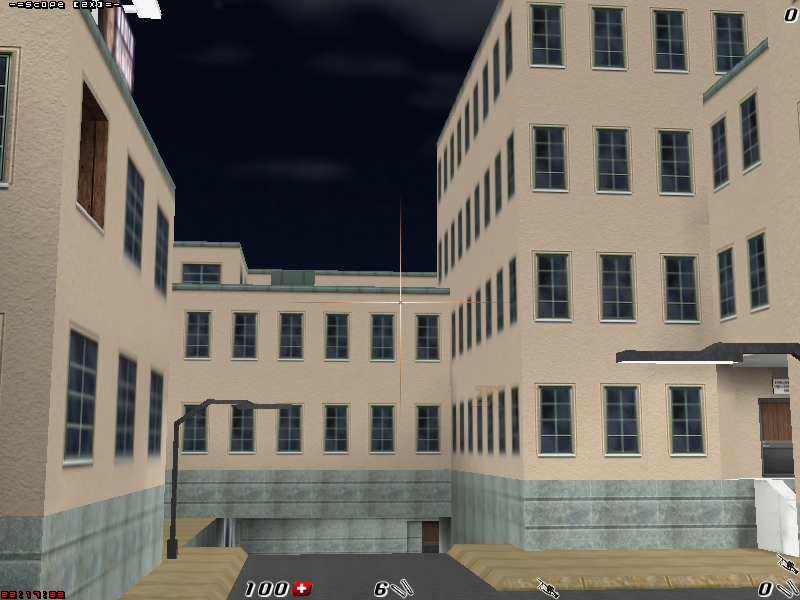
Scope, Vermin's
· 32-bit
· Two versions included, one for gl_scale 1 and one for gl_scale 2
· Two versions included, one for gl_scale 1 and one for gl_scale 2