Archive Section
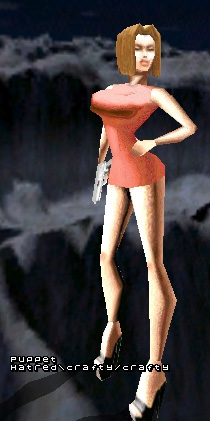
Models
Requirements
- The model must be included with one, default skin. Means: yes, only one skin. We have an own section for skins where we can provide skins for your model, if necessary. So separate all non-default skins from the packet.
- Mostly models especially made for AQ2. Means: well.. the ones made for AQ2 are the most suitable ones, aren’t they? Yes they aaare. We can make exceptions if the model is really cool or funny :-)
How to
Basic info about .pak files
First of all, dealing with paks is easy. The harder part is modifying the content of the pak. PakScape is a practical tool for opening and editing pak files. There are different folders in paks, and you can find the same folders in your quake2/action. The only difference is that paks work like archives that Quake2 can read. It’s easier to move a single file, the pak, than 20-100 different files in different folders.
Getting a pak in use
After downloading the pak to your quake2/action, rename it. You will have more than one pak in your quake2/action, so name the one you wish to use as pakX.pak. X is the number of the pak, which should be bigger than the numbers of the other paks. Newer clients support numbers up to 99.
Modifying a pak
Open the pak with PakScape. Export the files you wish to edit or seek help from. After you have done editing or creating them, import them back into the pak. If you are creating a new pak file, remember to save it in .pak format. It’s easy to choose the best bits from different paks into one folder, then make a pak of it that you like the most.
Players
"Want to shoot sheep? Dragons? Aliens? Whores with big rack? OR...Men in long leather jackets? Hot female agents? Get your dream team from here."
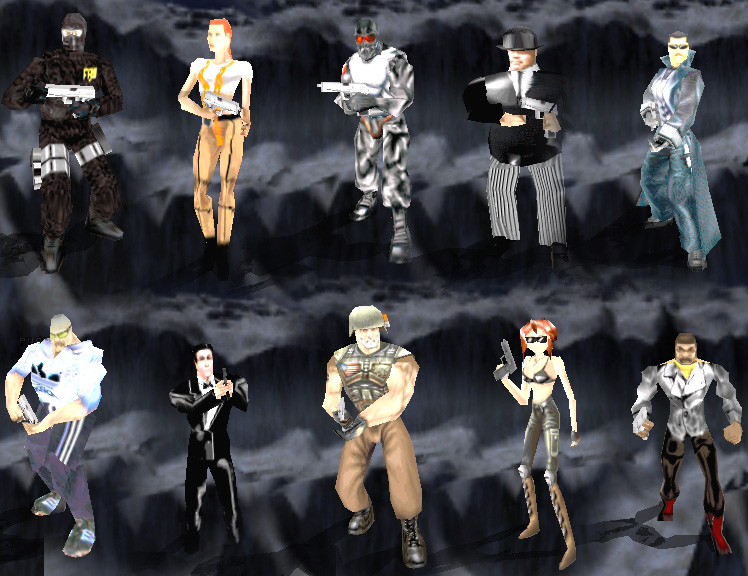
Player Model-/skinpacket
· Packet contains: 'ActionMale' skins, 'ActionRally' model/skins, 'Aqmarine' model/skins, Female 'tankgirl' skin, 'M' model/skins, 'Male' skins, 'Messiah' model/skins, 'Oddjob' model/skins, 'Sas' skins, 'Sydney' model/skins, 'Terror' skins
· Extract the packet to your quake2/action folder.
· Extract the packet to your quake2/action folder.
Weapons
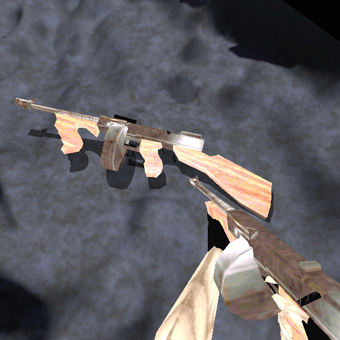
"Change your sniper to a scoped Ruger or M4 to a chain-machinegun. Or your pistol to a nice Glock. Its all about the good looks."
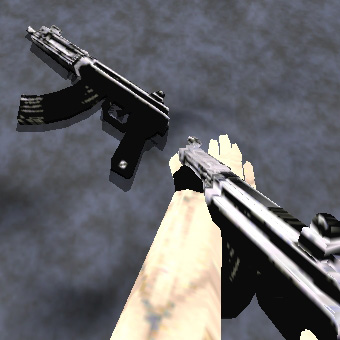
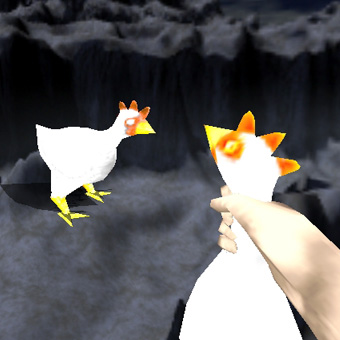
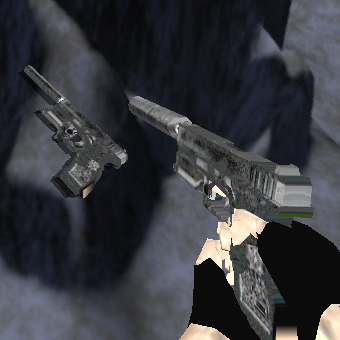
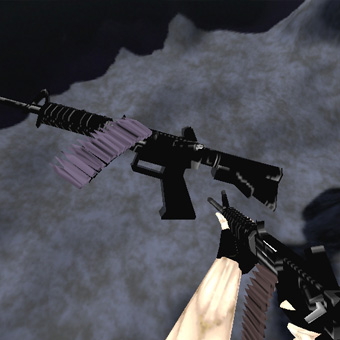
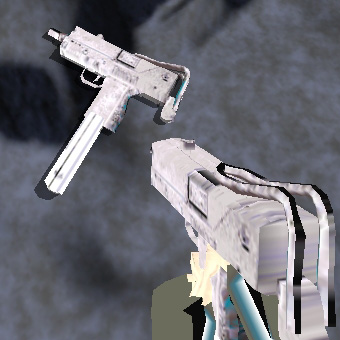
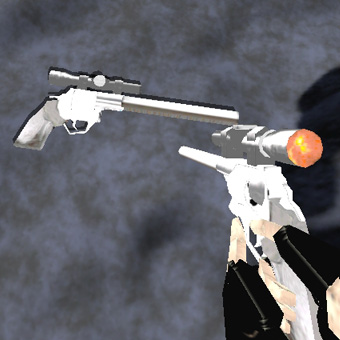
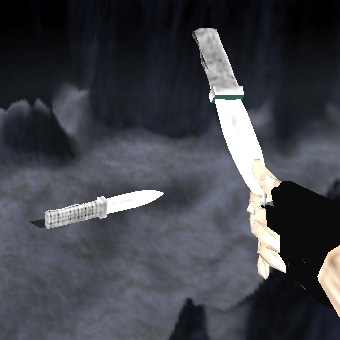
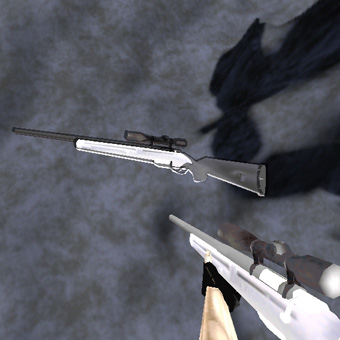
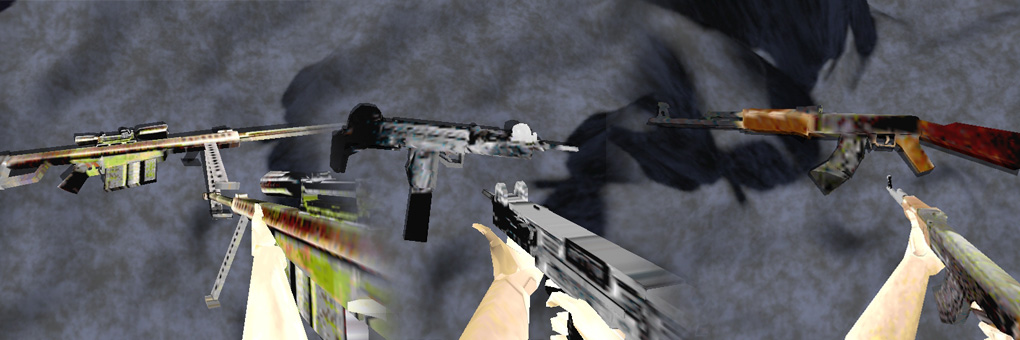
Terror Quake2 weapons
· Replaces the original m4 assault rifle, SSG sniper rifle and mp5/10 submachinegun models
· Includes sounds
· Includes sounds